

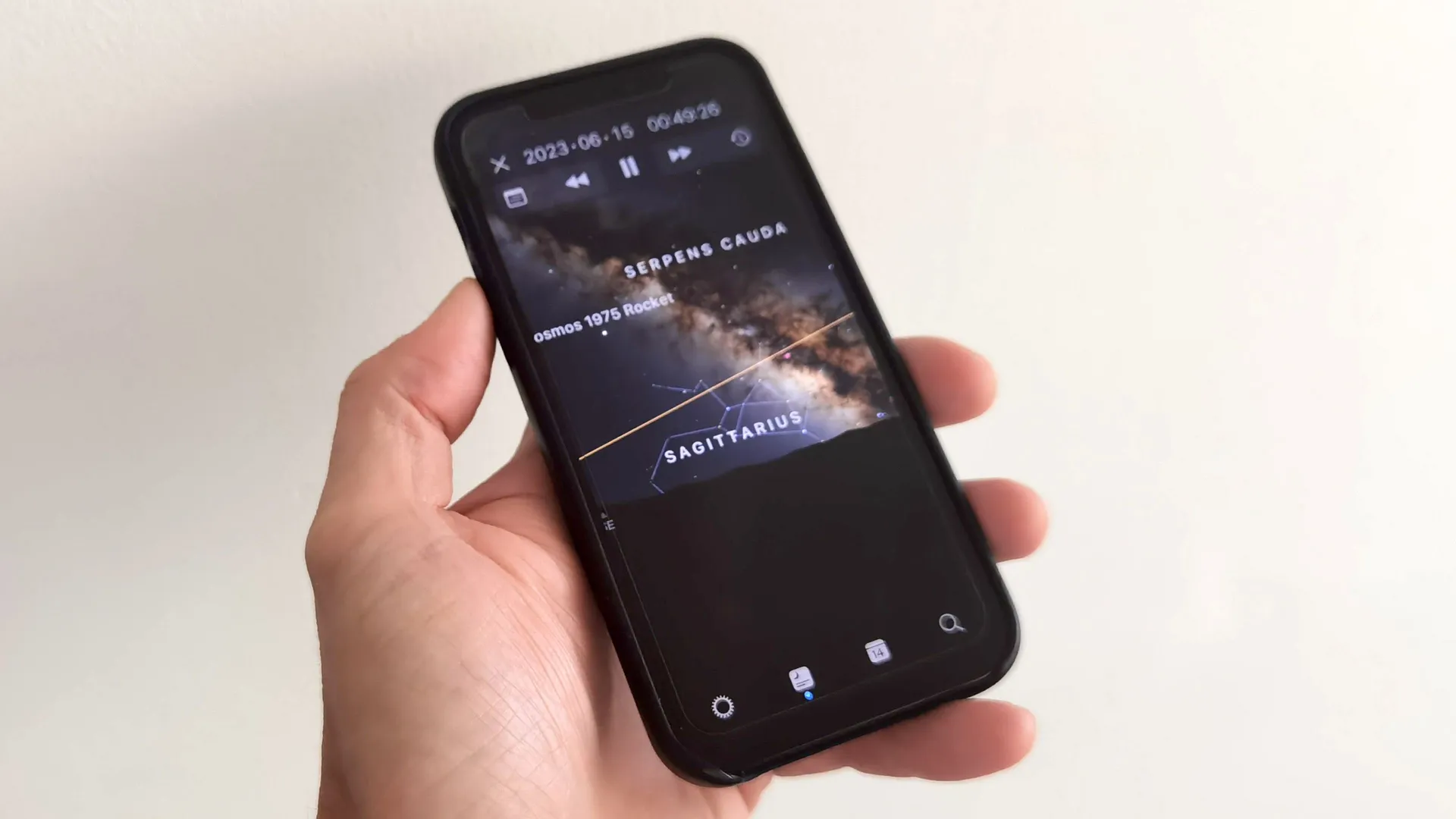
Whether you are a seasoned astronomer or a newcomer to the hobby, the best stargazing apps have the potential to seriously enhance your skywatching experience. But it's easy to overlook just how useful these portable programs can be.
That's why we've put together this guide to getting the best use out of stargazing apps, from identifying stars and constellations through to seeking out dark sky sites and beyond. You will wonder how you ever managed without them.
So read on and get ready to take your stargazing to the next level. And if you're wondering how else technology can take the work out of skywatching, we've also rounded up the best smart telescopes.
Using stargazing apps

Before we explore specific uses, there are a few things you need to know about using the best stargazing apps on your Apple or Android device.
Firstly, while some apps support offline use, you'll typically need a mobile or Wi-Fi signal with data to make the most of these apps.
Also, some apps lock certain features behind a paywall. Pay for Stellarium Plus, for example, and you get an additional 2 million deep sky objects, the ability to connect to certain telescopes and more.
Finally, while many stargazing apps are relatively intuitive, we'd recommend you familiarize yourself with them at home before taking them out into the field.
Identifying stars in the field
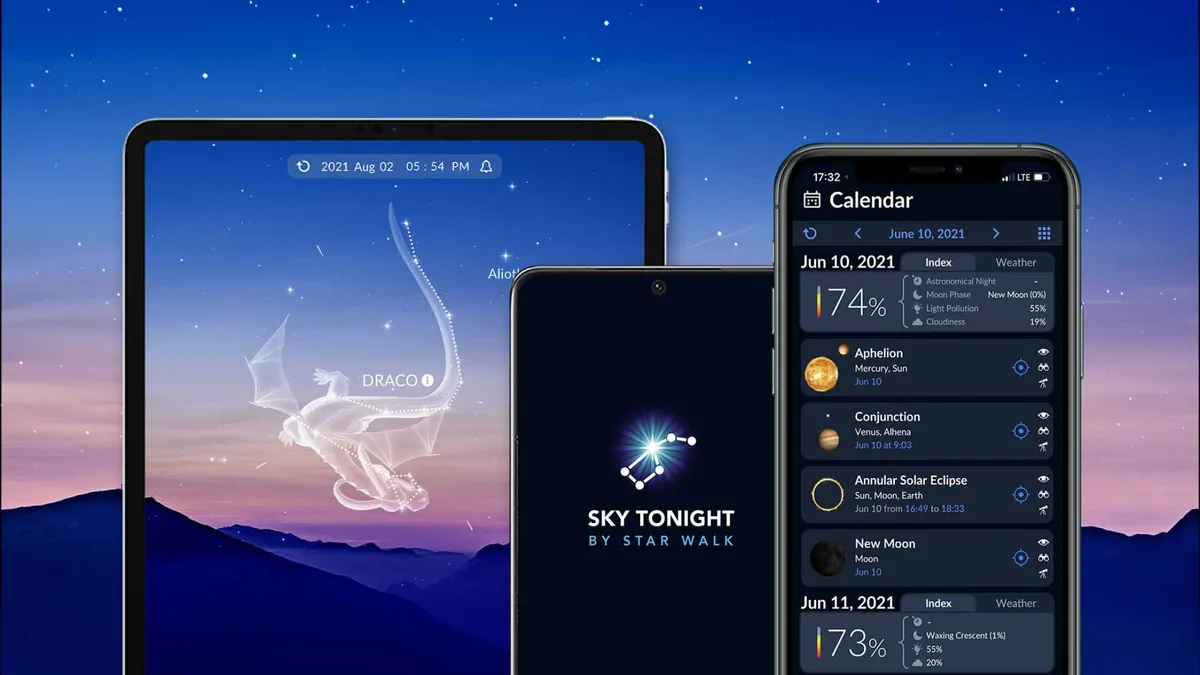
One of the most common and convenient uses for stargazing apps is identifying stars, constellations and more, just by pointing your phone's camera at them.
It really is that simple. Take Sky Tonight, which we think is the best stargazing app for AR (augmented reality). Launch the app, grant it camera access and turn it towards the object you want to identify. The name will appear on screen and you can also tap to learn more about it, whether it's a star, constellation, planet or nebula.
Conversely, you can also use the app to find specific objects in the sky. Want to view Uranus at opposition this Nov. 25 but aren't sure where to look? Search for it in Sky Tonight and the app will point you to it.
Identifiying stars from photographs
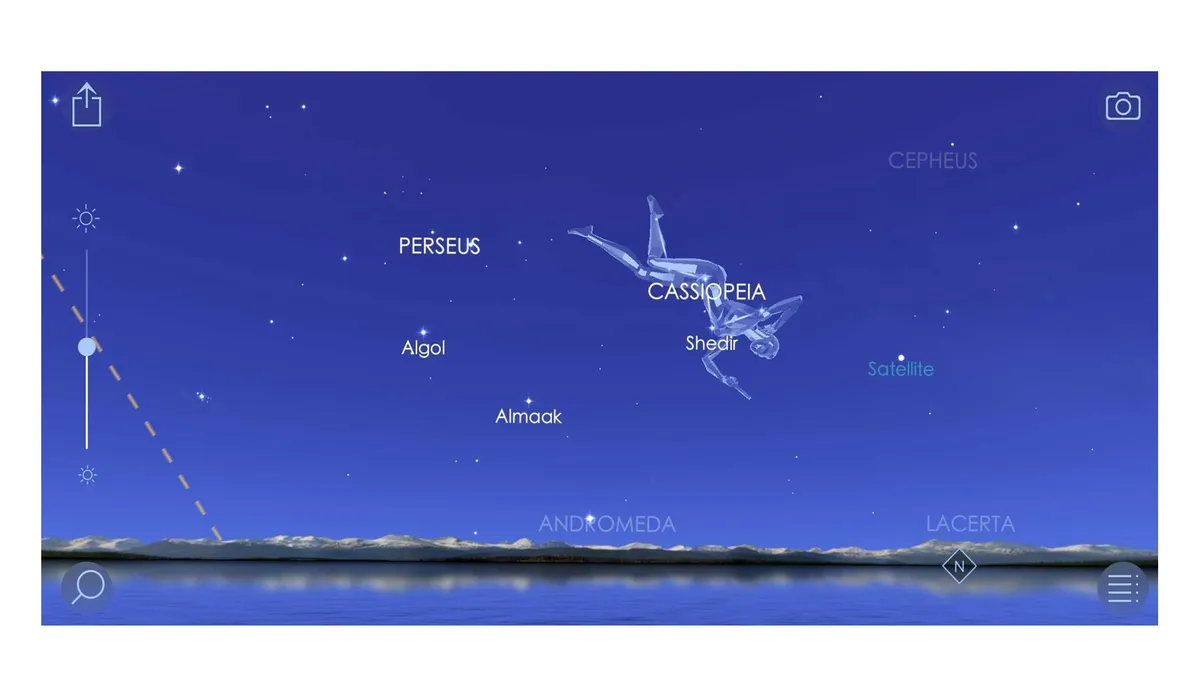
Being able to identify night sky objects in the field is a real boon, but what if you've already taken a photograph and want to identify which stars were visible?
That's where apps like Sky Walk 2 come in. If possible, you should return to the location where the photograph was taken, but if that's not possible, you can input GPS co-ordinates and Sky Walk 2 will show you the view from that location.
Next, using the clock icon and slider, alter the date to the exact time you took the photograph (or as near as possible). You will then be shown the night sky as it was at the time. You can now tap on the star or stars you want to identify and Sky Walk 2 will tell you the name.
Sky Walk 2 isn't the only app to offer such a facility, but in Sky Walk 2's case this feature is present in the free version of the app.
Finding dark sky sites
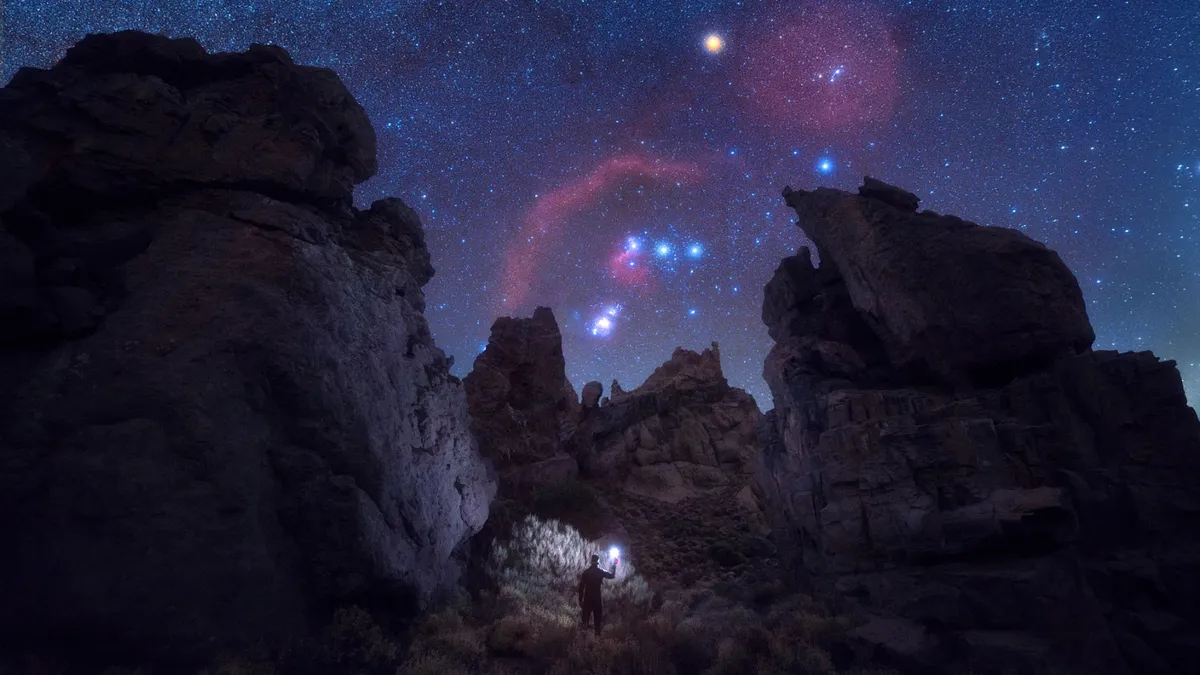
It's a sad fact that light pollution has made it harder for astronomers to study the night sky. While the planets in our solar system are still visible, sky glow obscures more distant objects, such as fainter stars.
You could travel to a dark sky reserve but, with the aid of one of several stargazing apps, it is also possible to find dark sky sites closer to home.
Apps like Sky Safari and the simply named Light Pollution Map will show you the light pollution levels locally and globally, estimated on the Bortle scale. The latter app colors the map, with pink the most light pollution and black the least.
In just a few seconds you can find out how light polluted your local area is, and use the map to find a location nearby where the sky is dark, or at least darker.
Planning a stargazing trip
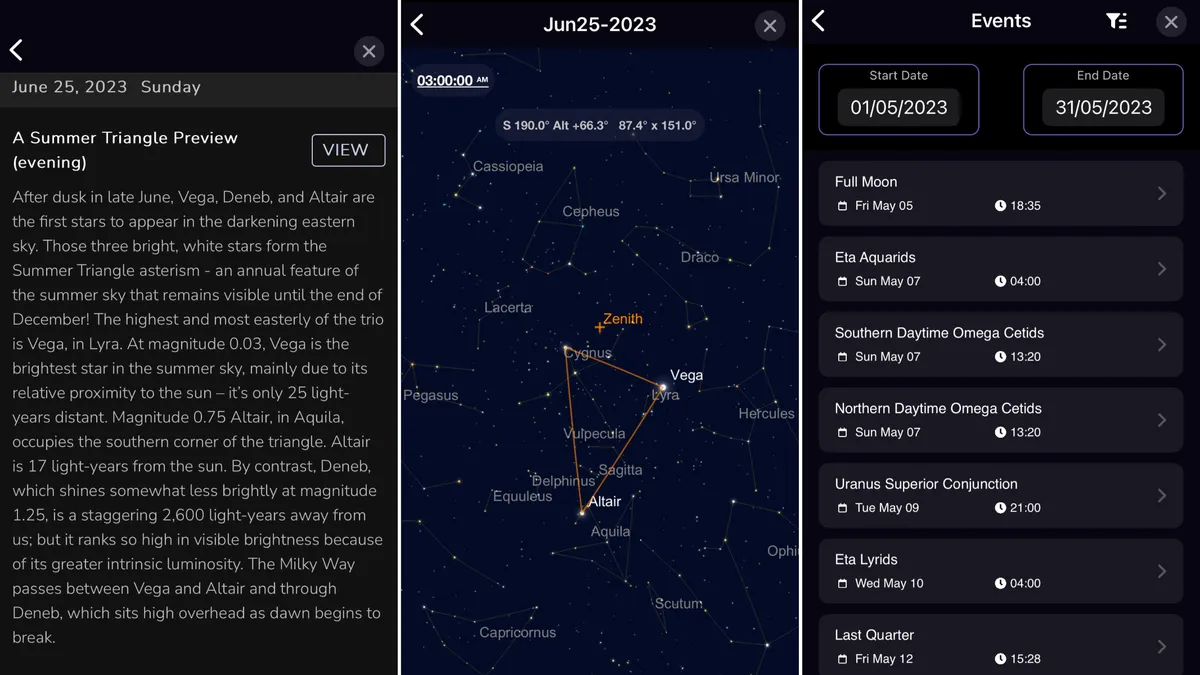
Are you planning a stargazing trip? Then you'll be happy to hear there's an app for that. There are several, in fact, but Sky Safari has all you need to plan your next outing. You can create observation lists, find out when and where objects are visible, and while it won't book your tickets for you, it comes close.
Our reviewer Jamie Carter used the app to plan his observations of conjunctions, specific moon views and astrophotography opportunities. Coupled with its light pollution map, it will be a huge help in putting together an itinerary for your skywatching trip.

Chris is a freelance journalist who, when not writing, skywatching, gaming or building Lego, indulges his taste for horror, sci-fi and the post-apocalyptic. As well as Space.com, you can find his work at GameSpew.com (where he’s the weekend editor).
Troubleshooting stargazing apps
Hopefully you'll have a smooth experience, but if you're having issues, here are a few things to try.
- Take your phone out of its case. Magnetic clasps can interfere with internal sensors.
- Make sure location services are enabled. Many apps use GPS to show you the correct view.
- Check your phone's clock. If your clock is not set accurately, apps may display an incorrect sky
- Swoop your phone in a figure eight motion. This can help calibrate your phone's "compass".
- Make sure you have a signal, and that data is enabled. Unless the app has an offline mode you will still need a connection. Signal may be poor at dark sky sites.
- Check each app's permissions. Location aside, Augmented Reality (AR) stargazing apps will need camera access.
- We've got you covered with reviews and rankings of the best telescopes, binoculars, star projectors, cameras, drones, Lego, streaming and more.